
Practical PC troubleshooting
How to Fix PC
Clear computer repair guides for Windows, hardware, software, drivers, performance, and security. No ads. No fluff. Just what to check next.
Performance
Find the bottleneck: CPU, memory, disk, startup apps, heat, storage, and old hardware.
Drivers
Use official sources, understand rollback options, and avoid risky driver updater tools.
Security
Remove unwanted software, check browser extensions, and know when a warning is fake.
Latest repair guides
-
Trojan:HTML/Phish.AO!atmn: What It Means and How to Remove It
Defender found Trojan:HTML/Phish.AO!atmn? Learn what it means, how to remove phishing HTML from cache or email, and how to protect exposed accounts.
-
HackTool:Win32/GameHack: What It Means and How to Remove It
Defender found HackTool:Win32/GameHack? Learn what it means, why game cheats and cracks are risky, and how to remove leftovers safely.
-

“Potential Threat Warning” Virus Removal Guide
Remove the “Potential Threat Warning” pop-up safely: close the fake alert, block rogue browser notifications, clean extensions, scan Windows, and avoid support scams.
-
Trojan:Win32/Cerdigent: What It Means and How to Remove It
Defender found Trojan:Win32/Cerdigent? Check Protection History, update Defender, scan safely, handle DigiCert false-positive cases, and remove real threats.
-
Trojan:Win32/Wacatac: What It Means and How to Remove It
Defender found Trojan:Win32/Wacatac? Learn what Wacatac means, how to scan offline, remove persistence, verify cleanup, and protect accounts.
-
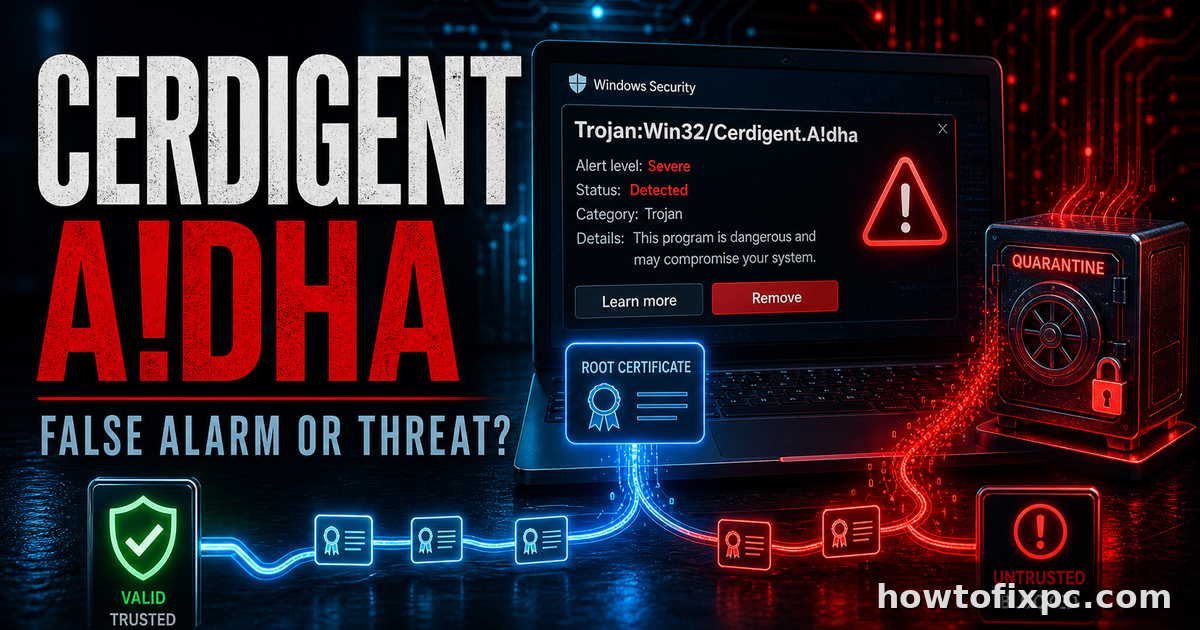
Trojan:Win32/Cerdigent.A!dha: What It Means and How to Fix It
Defender found Trojan:Win32/Cerdigent.A!dha? Update Defender first, check for the DigiCert/AuthRoot false positive, then scan and remove real suspicious files safely.